
At a Glance
Insights offers multiple ways to modify and resubmit claims individually and in bulk. This guide shows a quick way to update and resubmit one or more claims for a single patient.Here’s How to Do It
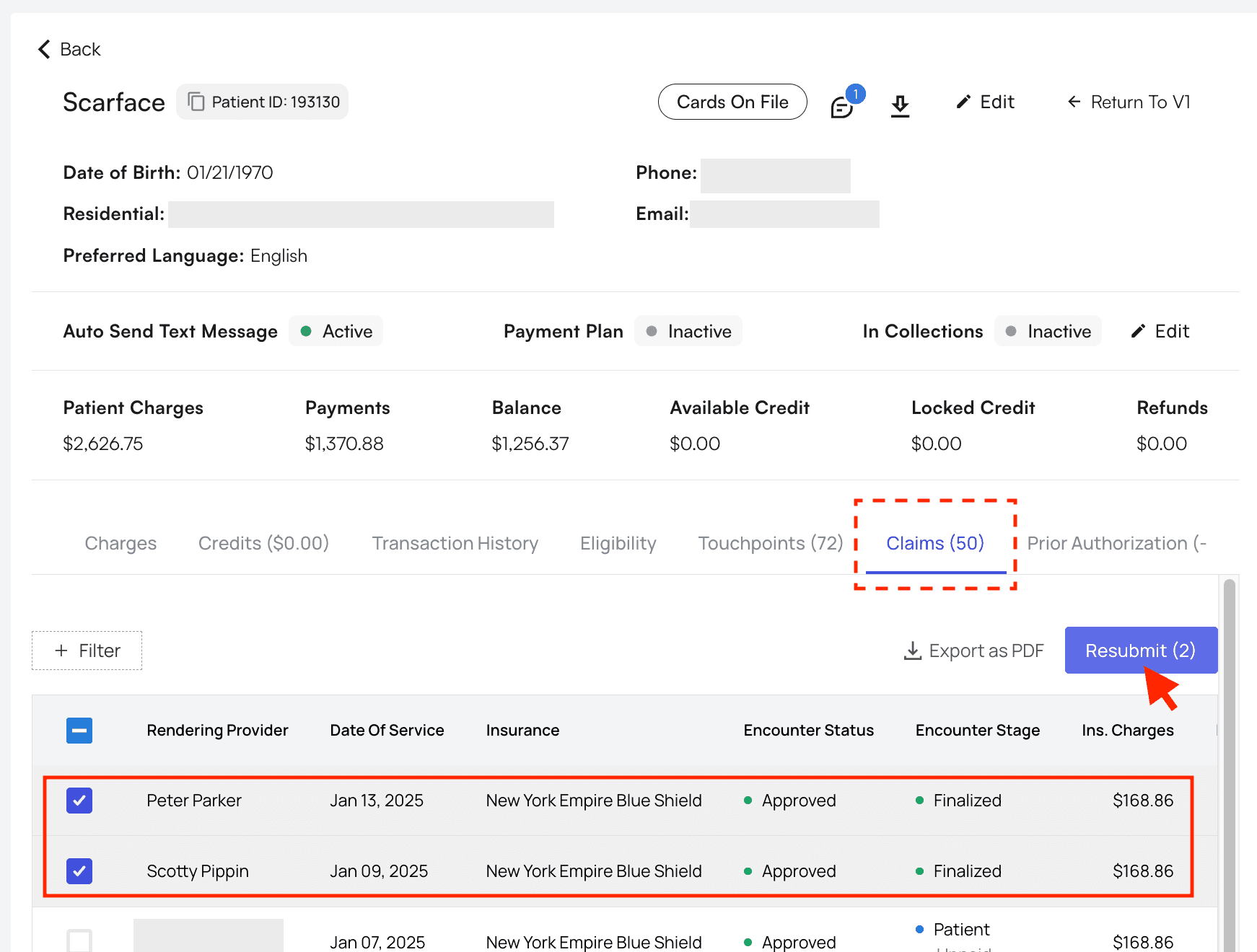
Navigate to the patient’s profile and open theClaims tab.
You can then check the boxes for the claims you’d like to resubmit, then click Resubmit.
Create New Insurance in this popup, then select that new insurance from the dropdown menu.
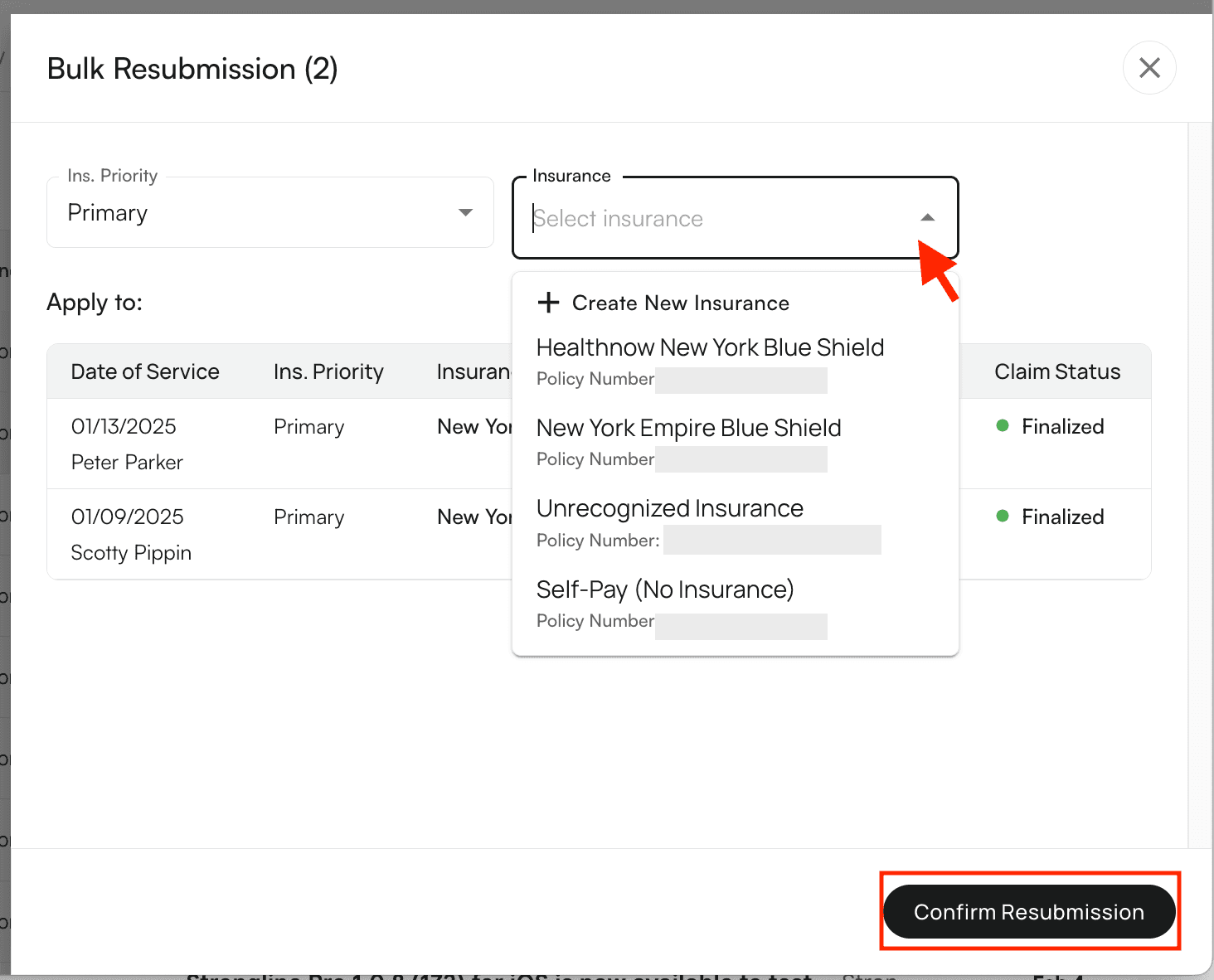
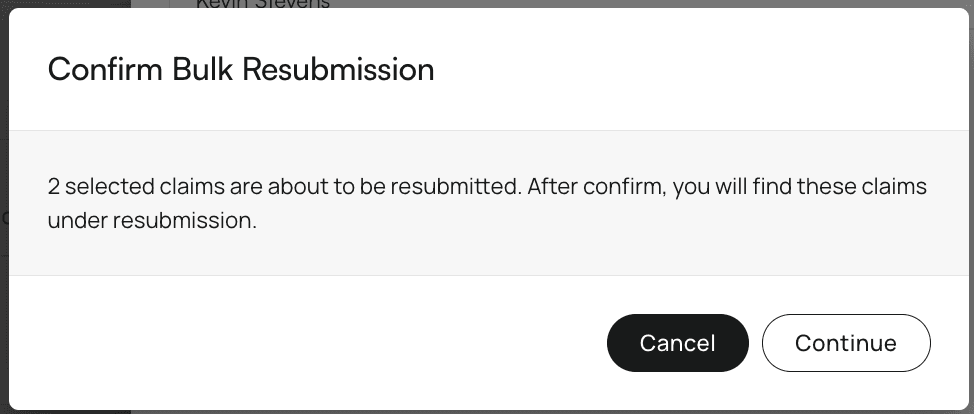
Confirm Resubmission. A popup will appear asking for confirmation and noting that the selected encounters will be listed as ‘Resubmitted.’
- Modify and resubmit for dental
- Clean billing type switching for modify and resubmit